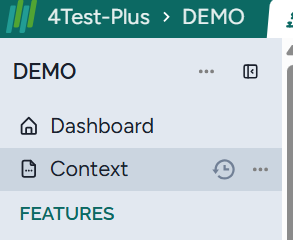
Before generating the test model, the requirements must be reviewed. If the requirements are ambiguous, incomplete, or contradictory, the test cases will be wrong, and the developers implement wrong code.
Harmony’s AI-driven solution will check the requirement and you can fix them. Click on Analyze requirements:
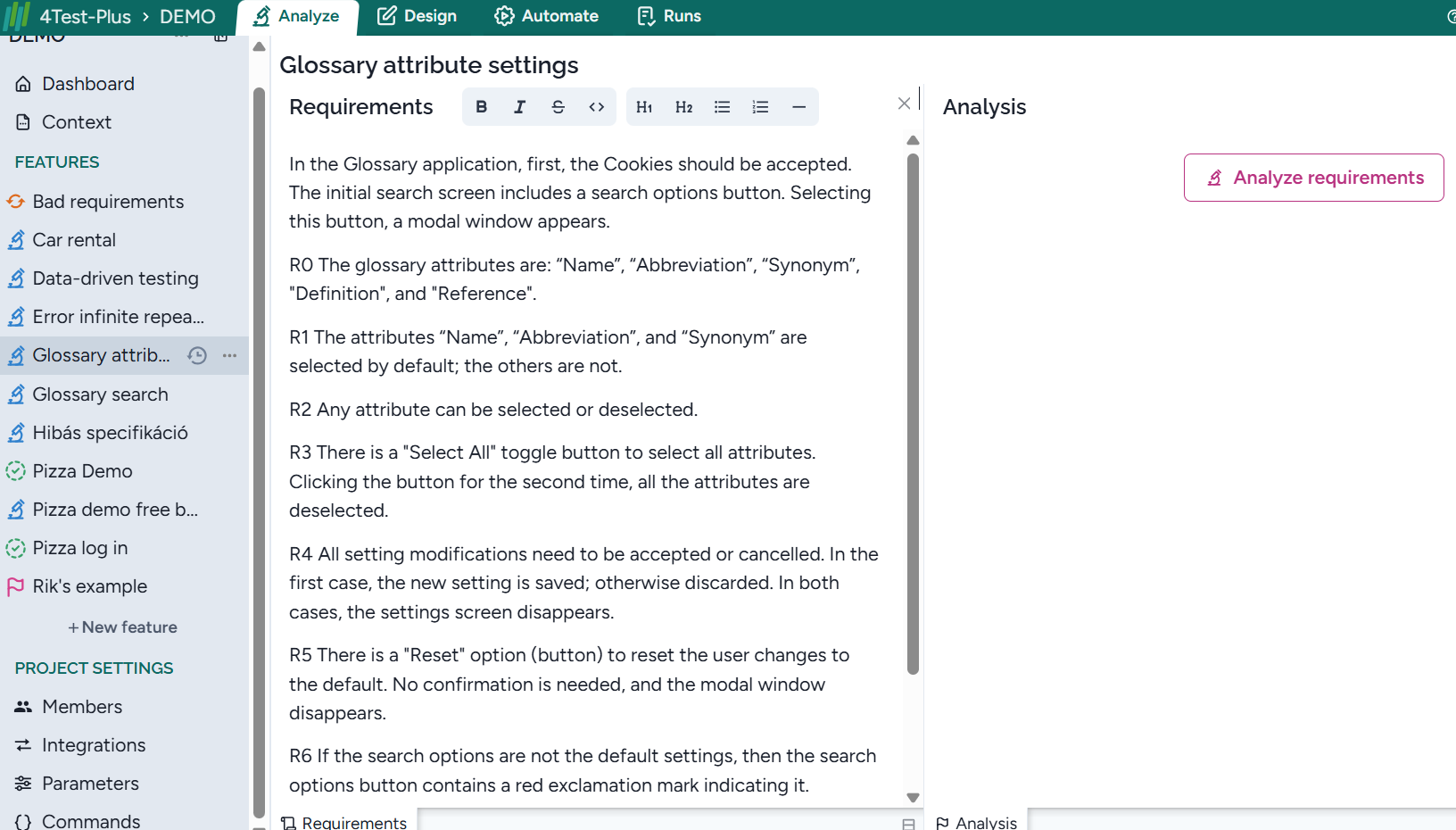
and Harmony creates all the issues:
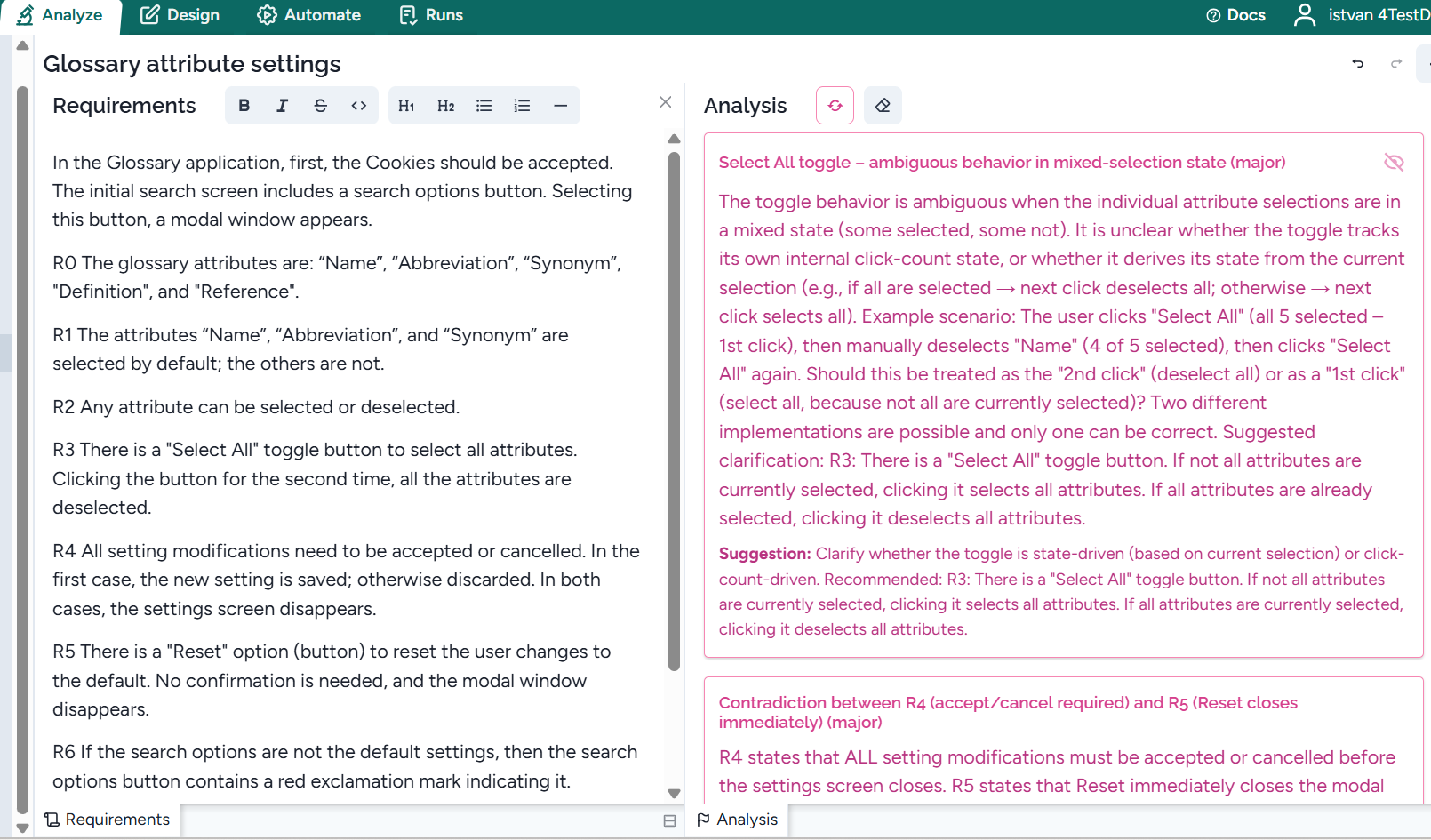
Based on the suggestions, you can modify a requirement or add a new one. It can occur that the issue is incorrectly added. In this case, you can discard it:
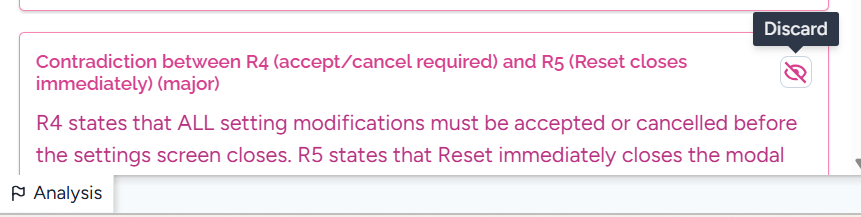
The discarded issue is considered fixed, and it can be seen as a discarded issue:
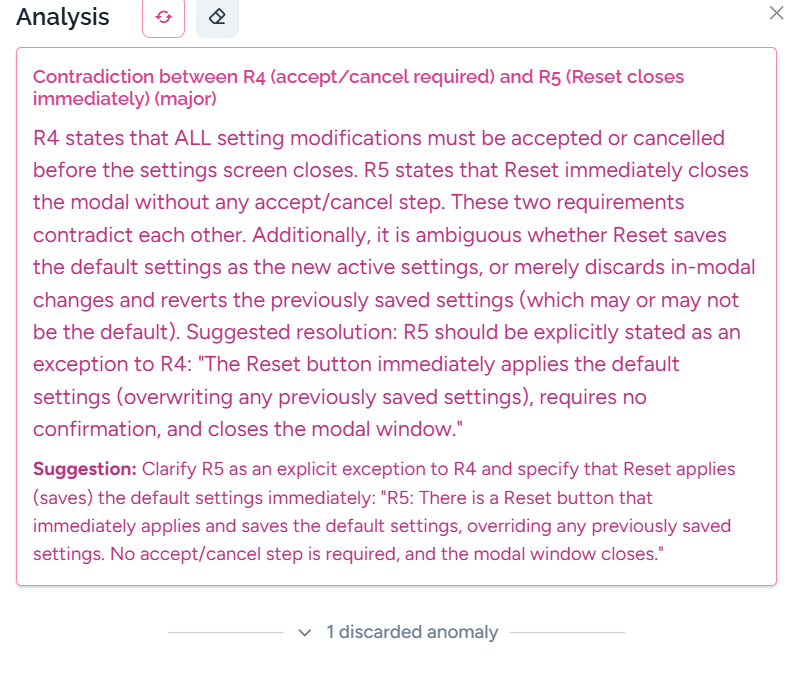
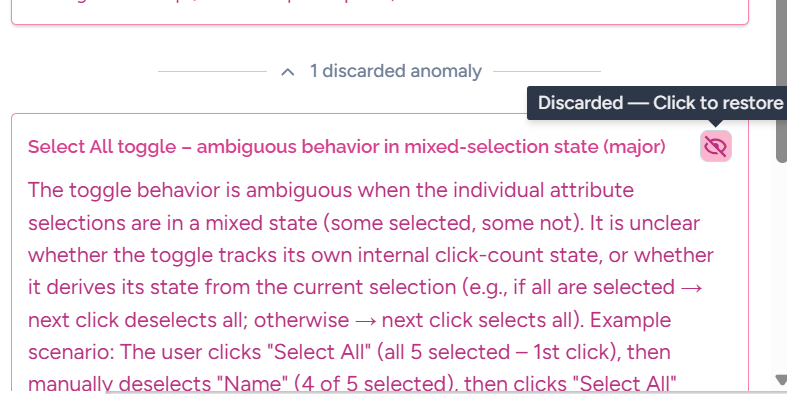
You can revert by 1) clicking on the “discarded anomaly”, and 2) clicking on the restore icon:
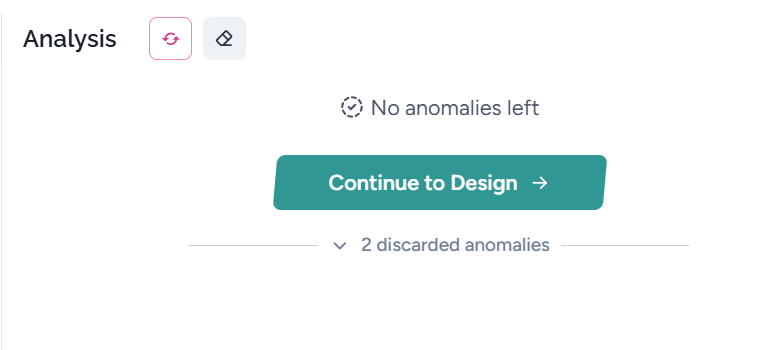
When there is no issue, all they are discarded, you can start test design:
When some requirements have been changed, you can redesign test cases only after reanalysis:
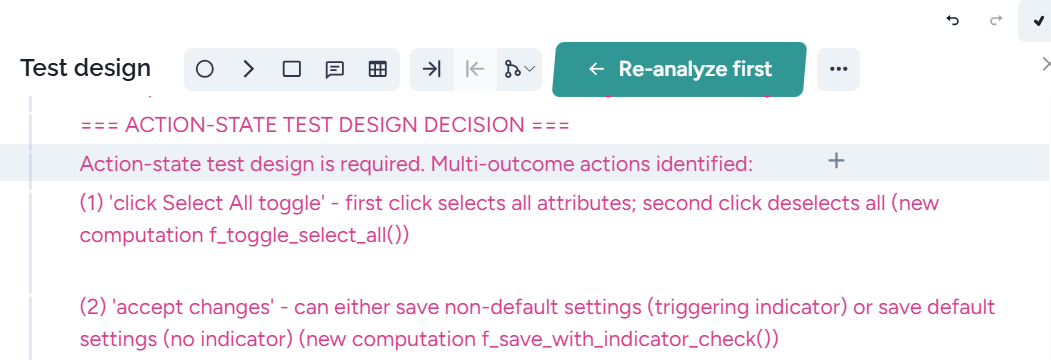
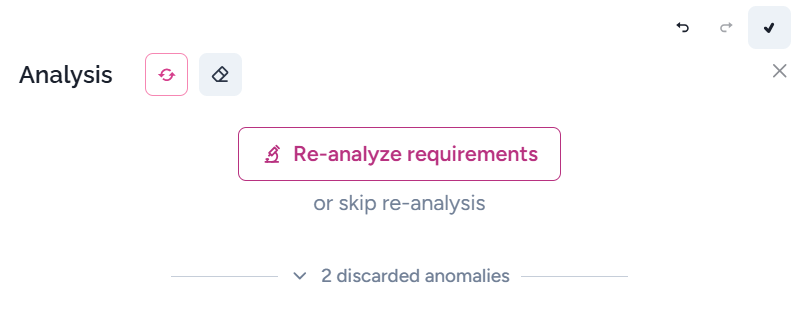
You can skip re-analysis:
Level of issues
There are three levels of issues;
2: critical or major
1: moderate/minor
0: low
Usually, you need to fix only level 2, but we suggest reading level 1 as well.
When AI creates an invalid anomaly, you can hide it. When you fix some requirements, you need to refresh anomalies:
Adding context
Often, the requirements are not complete, but the missing description is in other feature’s requiremenst. You can add these requirements to the prompt. They will not be analysed, only complete the missing parts of a requirement.
To add a requirement, you can insert a “@” at any place. Harmony offers all the requirements:
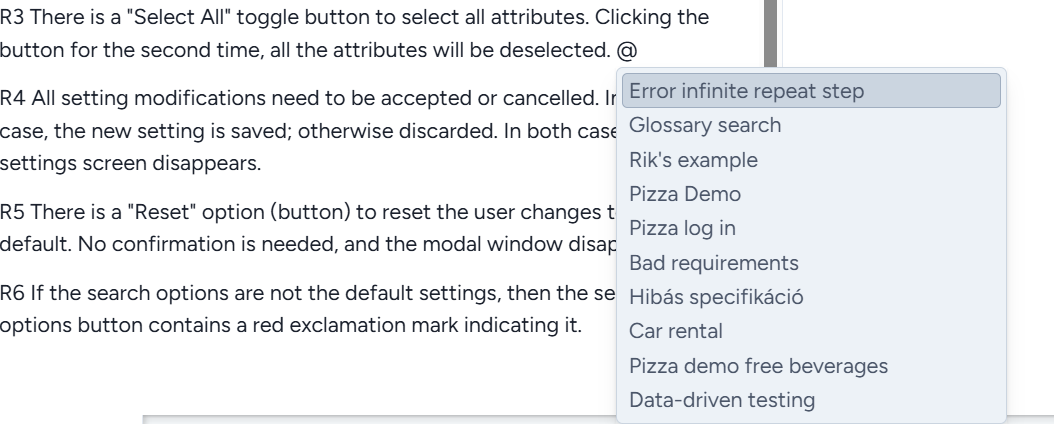
When you select a feature (Pizza log in here), all its requirements will be considered during the analysis:

The context will be also added to the prompt when requirements are analysed: