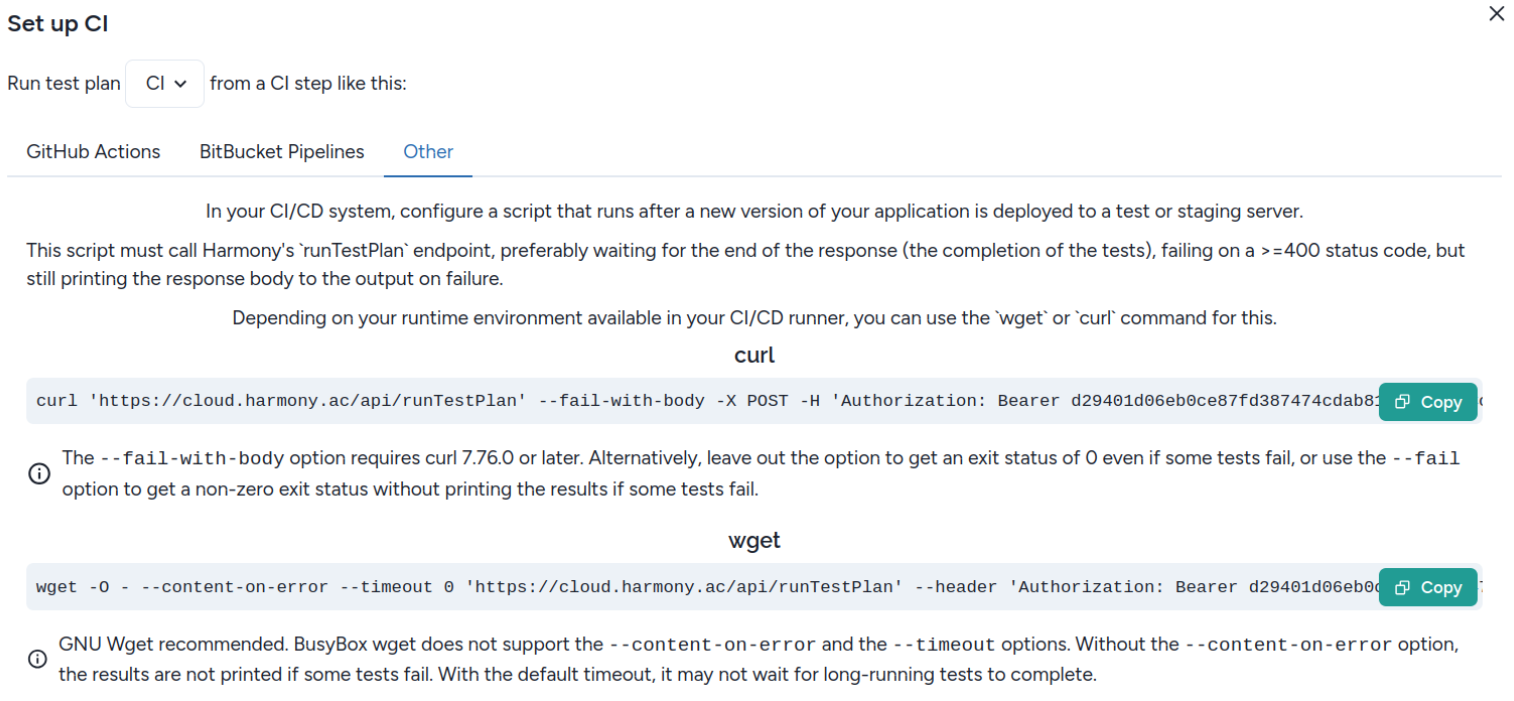
You can integrate Harmony into any CI system by adding a single command that does an API call to Harmony. Preferably, this should run after your application is deployed to your test server. In this setup, Harmony executes the tests against the test server, so the test server must be accessible from the internet.
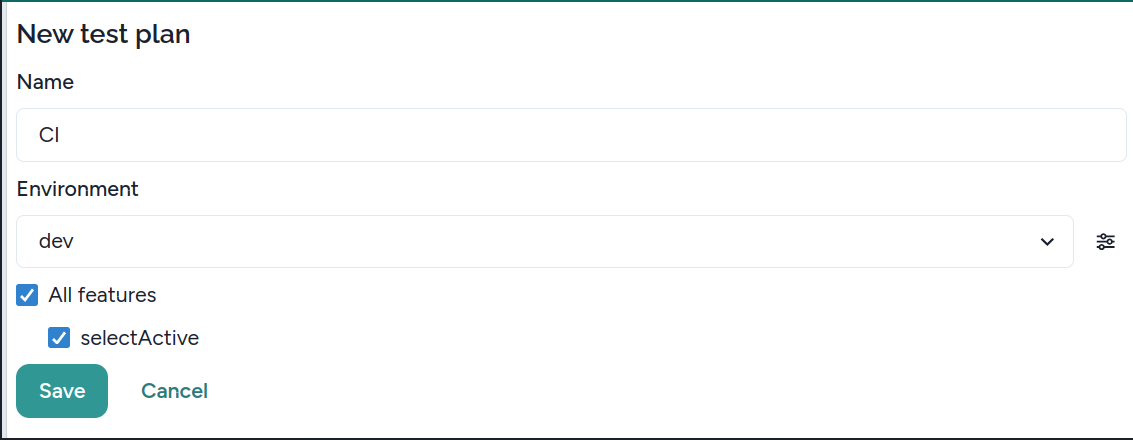
1. On the Runs tab, create a test plan and configure which features to run, and on which environment. You can configure environments, or add a new one, with the button next to the Environment dropdown.
2. Click the Set up CI button in the top right corner.
3. If you don't have an organization API key, the dialog prompts you to create one.
4. The dialog will show you instructions on how to configure the API call in different CI environments. If your specific CI system is not listed there, the Other tab contains generic instructions that can be run on most Linux CI environments, depending on your environment, with either the curl or the wget command. If not sure, use Curl.