
Harmony can be synchronized with Jira. The requirement, acceptance criteria, etc., are transferred to the requirements of Harmony’s feature. For those who don’t use Jira but need this feature, the description of the Jira side is also present.
After having a Jira account, to create new sites, you must access https://www.atlassian.com/try:
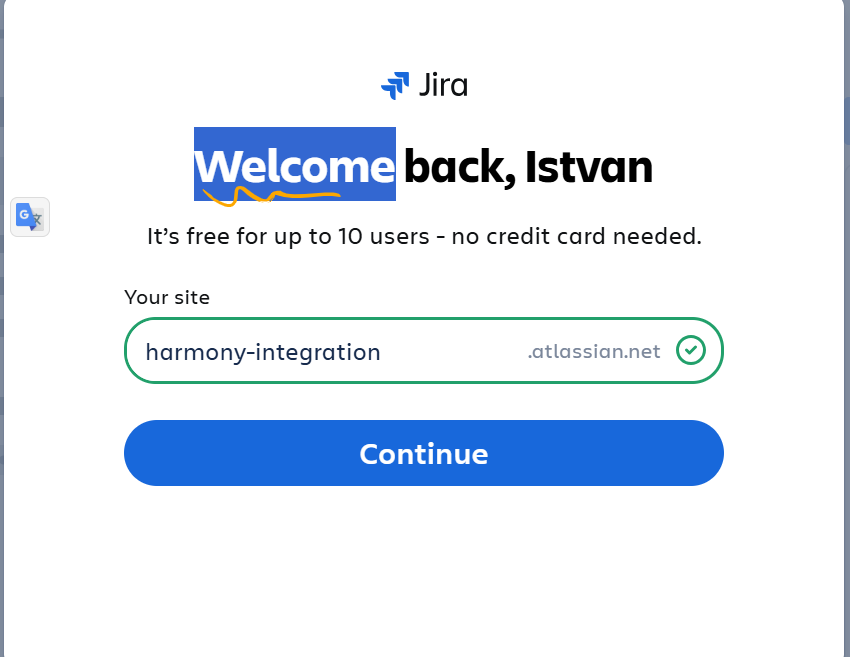
Pressing ‘Continue’, you can create a space:
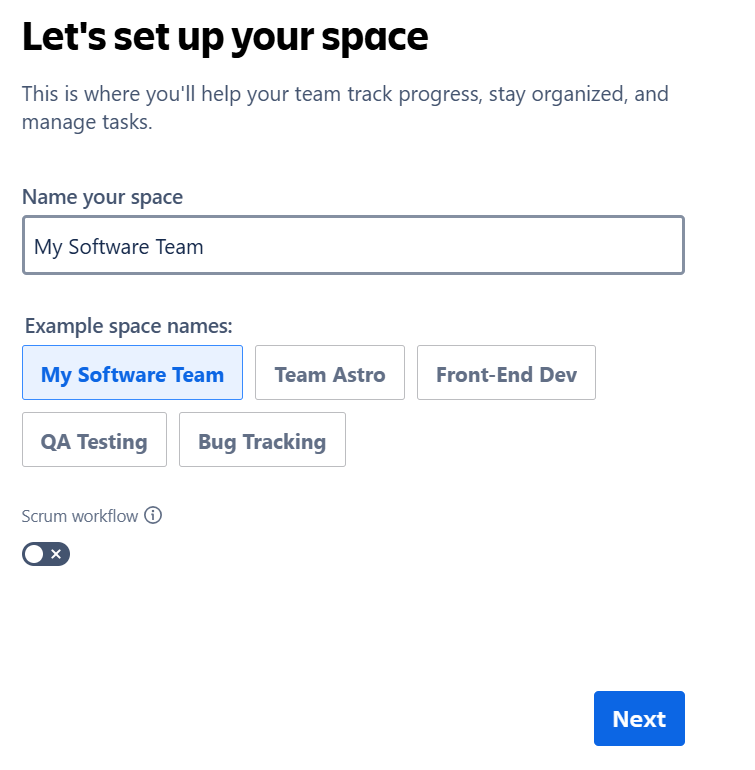
Add an appropriate name, such as My Harmony Team, and press Next:
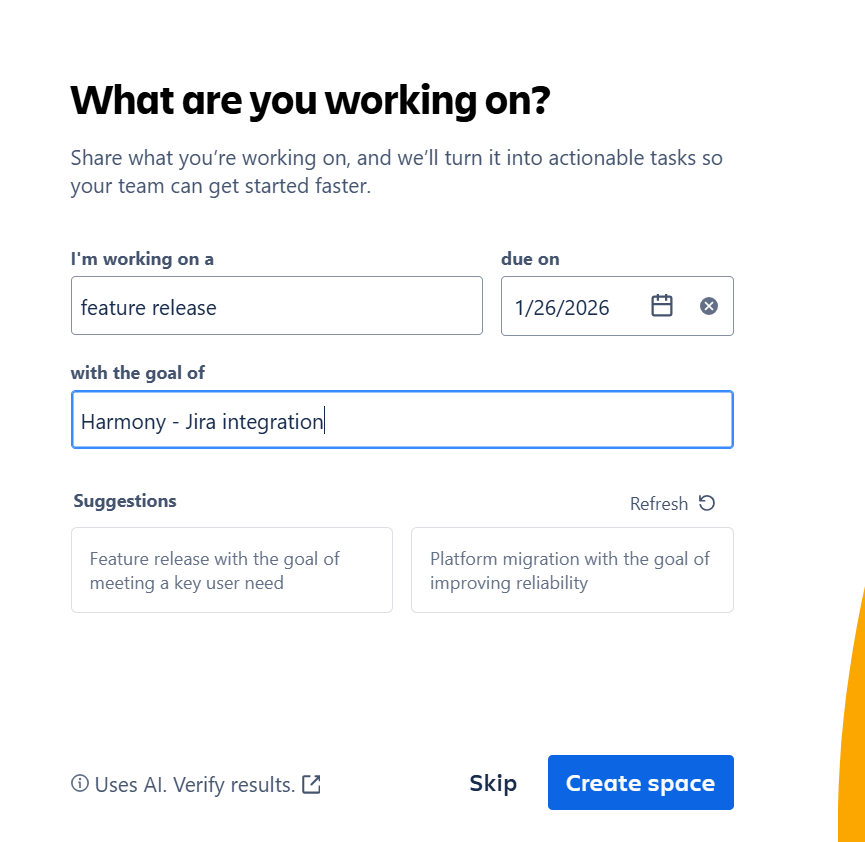
then, pressing Create space, you can create tasks with requirements. Here, a task ‘Harmony integration has been created:
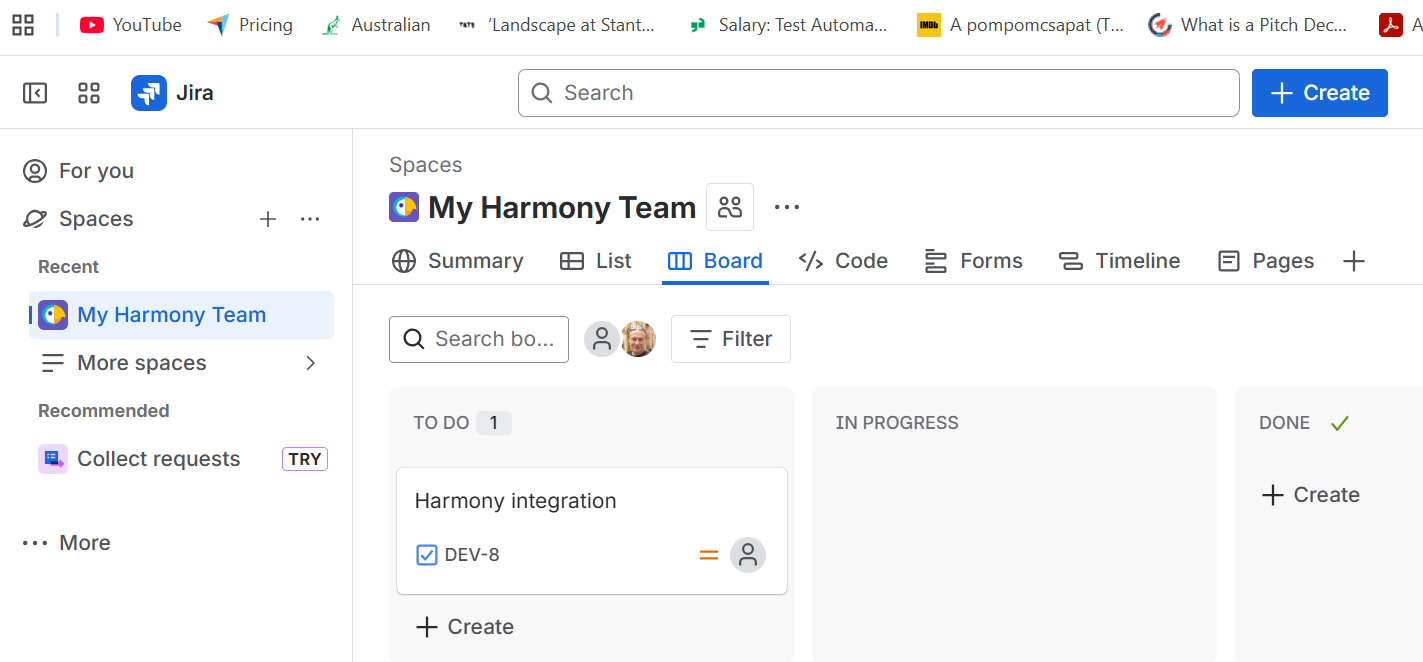
You can move it to ‘In Progress’ and add the requiremenst:
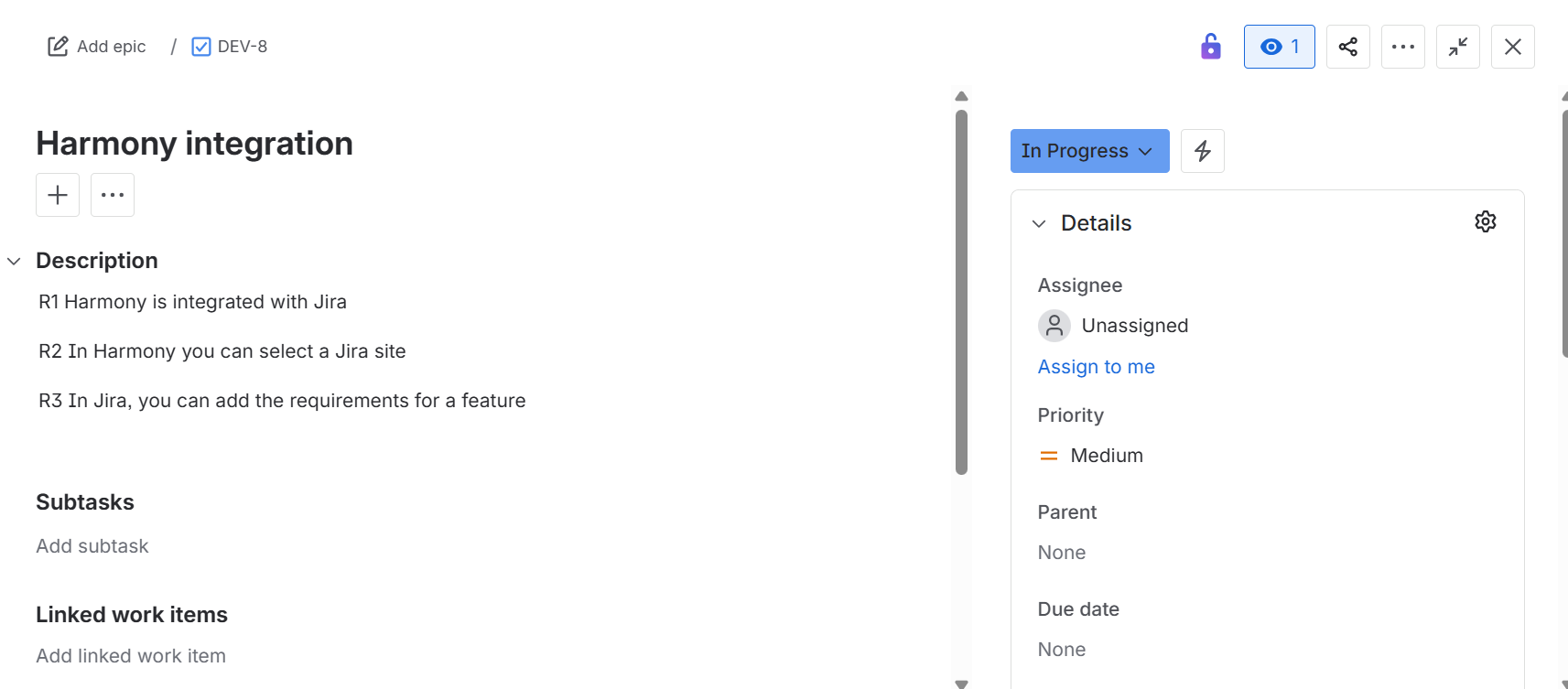
When the requirements are in Jira, we can start the integration:
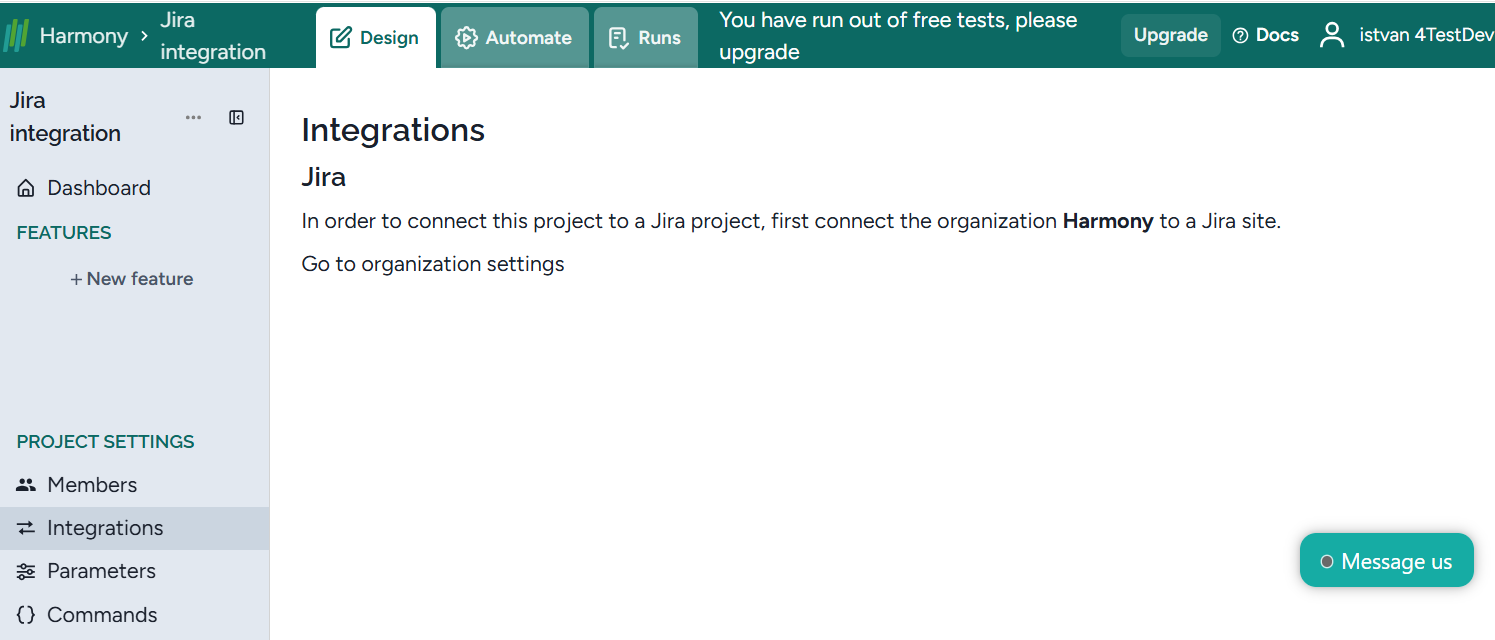
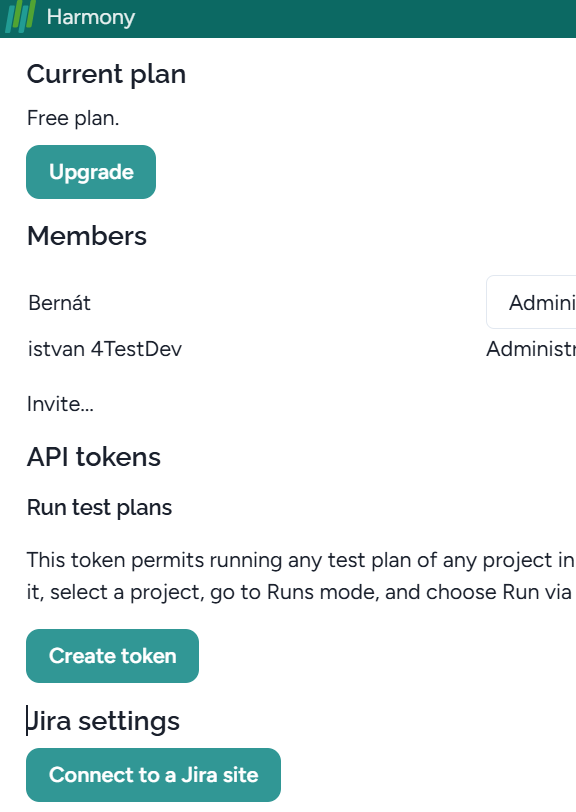
Then select ‘Connect to Jira site’:
and select the appropriate site:
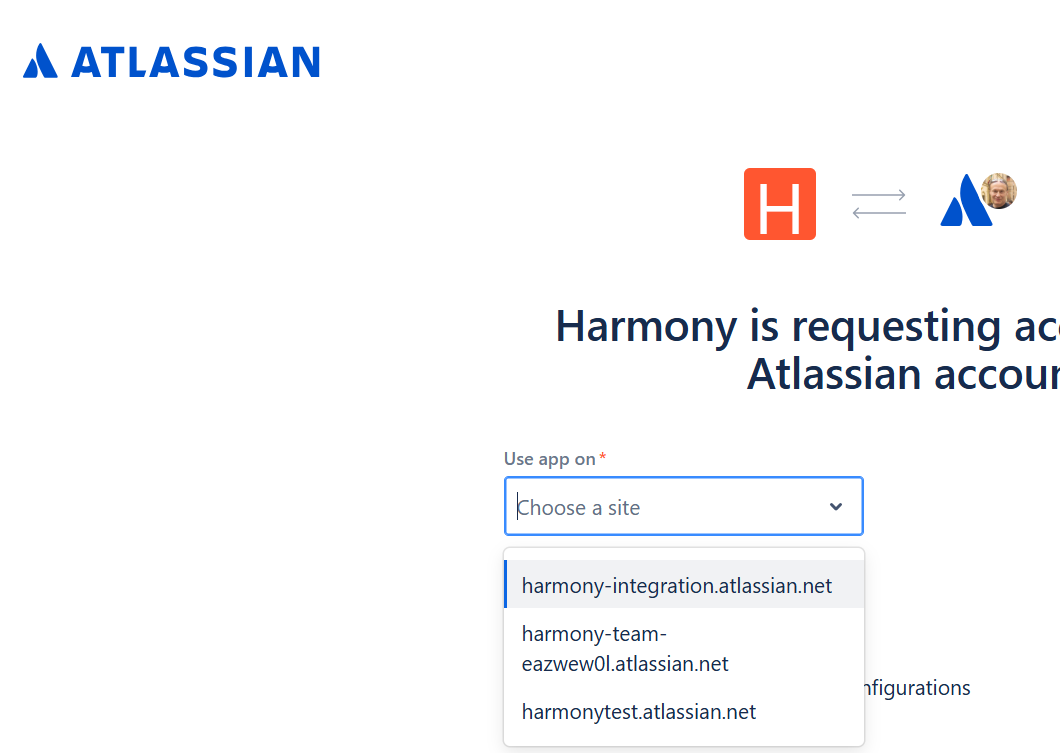
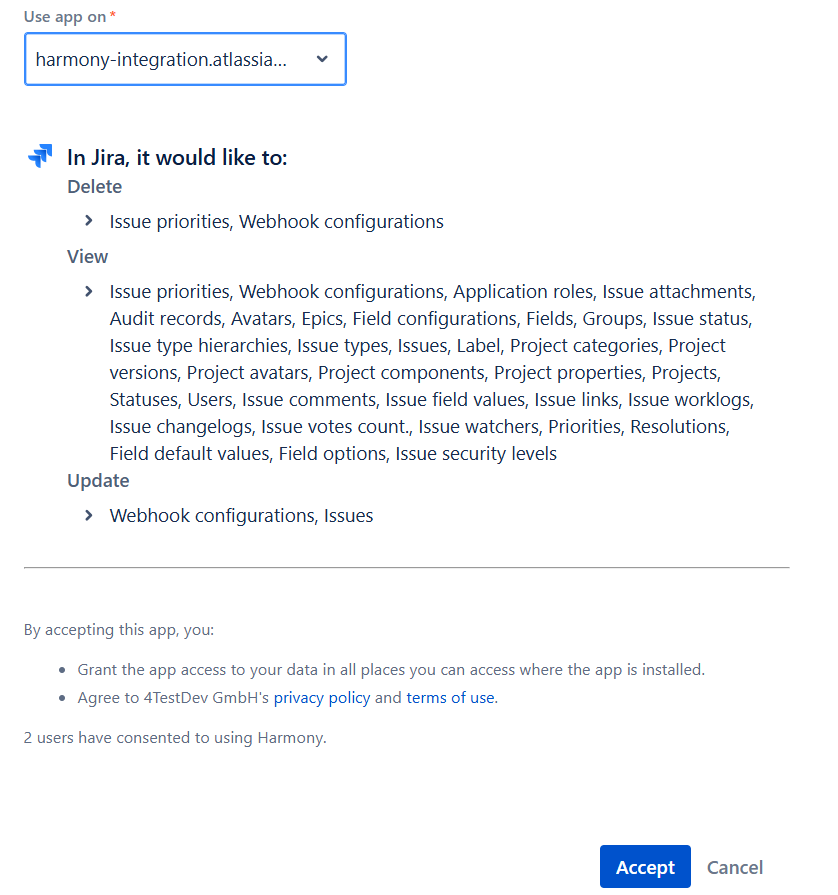
After selecting it, press ‘Accept’:
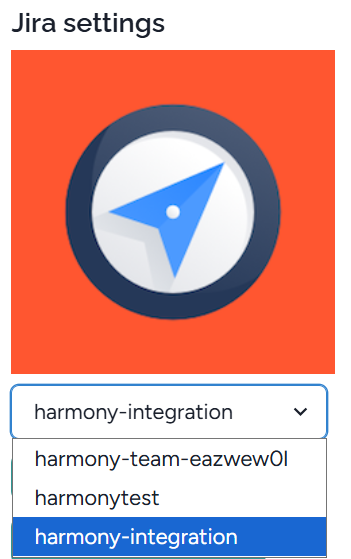
In the Organisation settings, the selected integration appears:
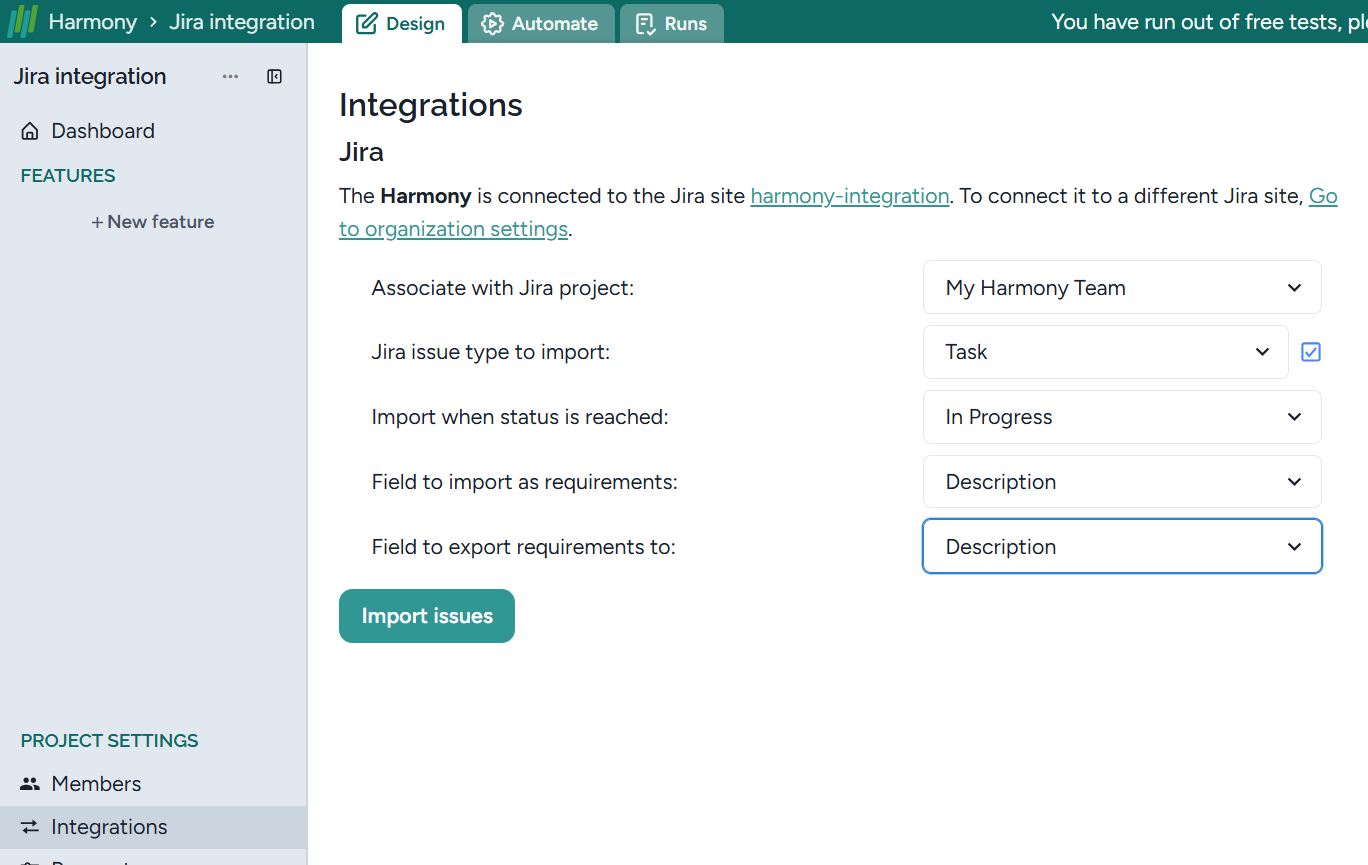
Now, let’s go to ‘Integration’, and fill in the fields as appropriate.
Finally, press ‘Import Issues’, and the requirements for Harmony integration have been synchronized:
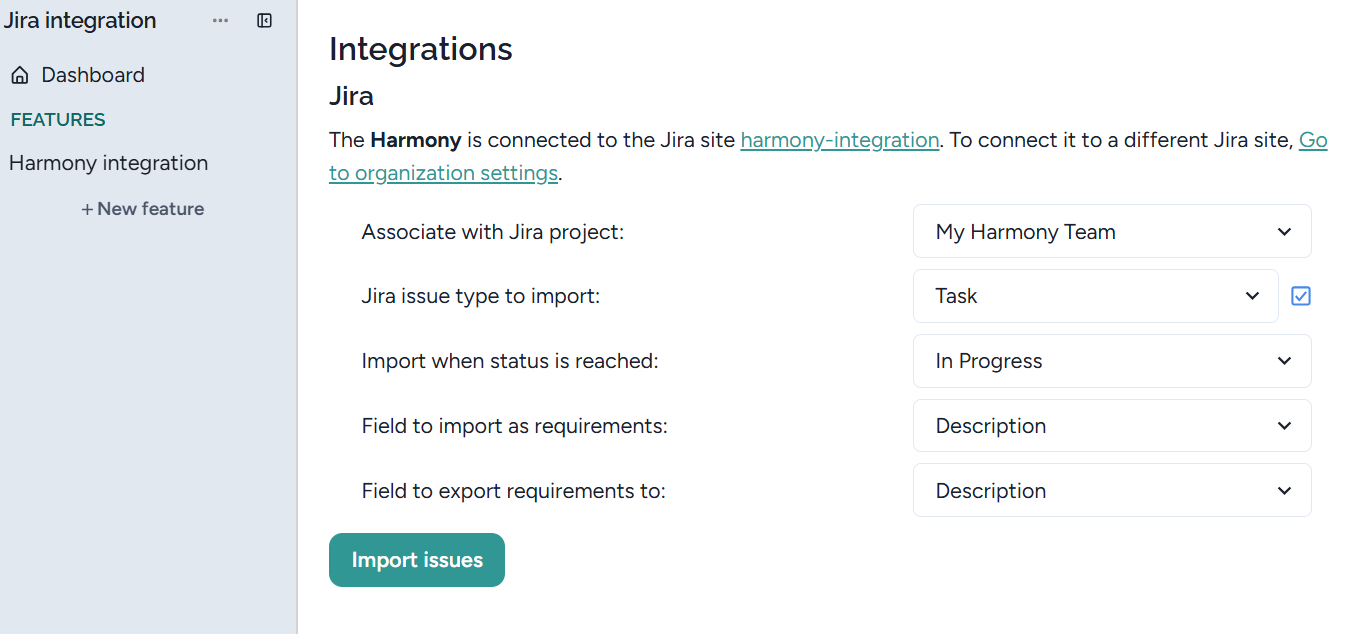
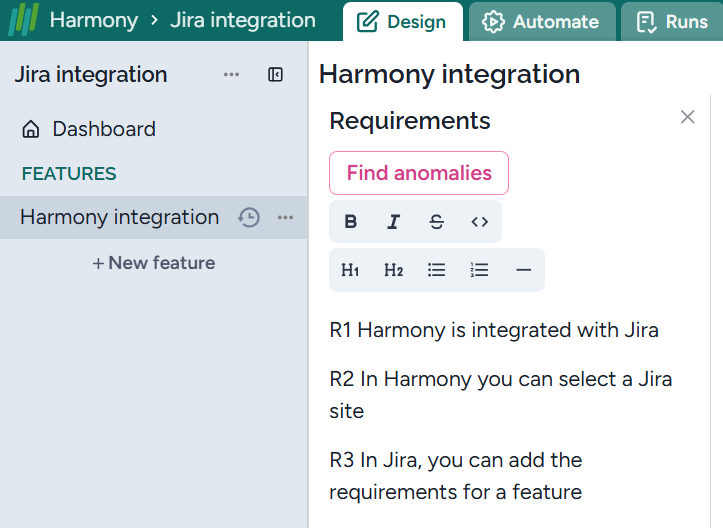
If there are several sets of requirements in the space and in the same phase, they will be synchronized together.
You can disconnect or select another site:

Backward synchronization
When you modify the requirement, and you are connected to a Jira site, then after refreshing Harmony, the modified data are synchronized with the related data in Jira.